

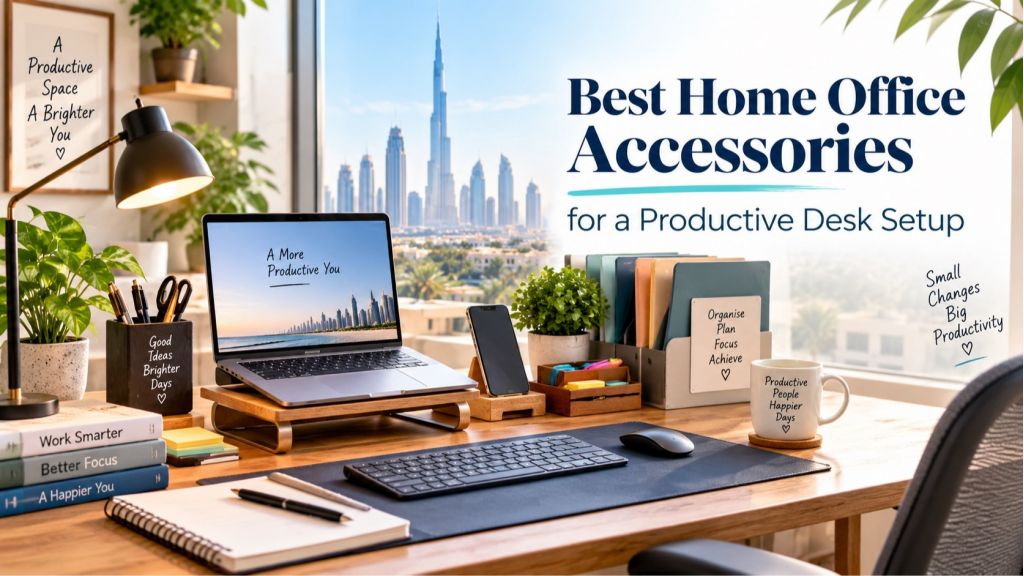
A productive desk setup is not about buying every gadget you see online. It is about choosing home office accessories that remove daily friction: an aching neck, messy cables, poor lighting, scattered documents, a cramped desk, or the constant temptation to work from the sofa.
For UAE shoppers, the goal is usually even more practical. You want a setup that works in an apartment, fits your budget, looks good on video calls, and can be ordered conveniently without spending a weekend visiting multiple stores. The best home office accessories help you sit better, find things faster, and stay focused for longer stretches of work.
Below is a practical guide to building a productive desk setup, from ergonomic essentials to storage, lighting, and small comfort upgrades that actually make a difference.
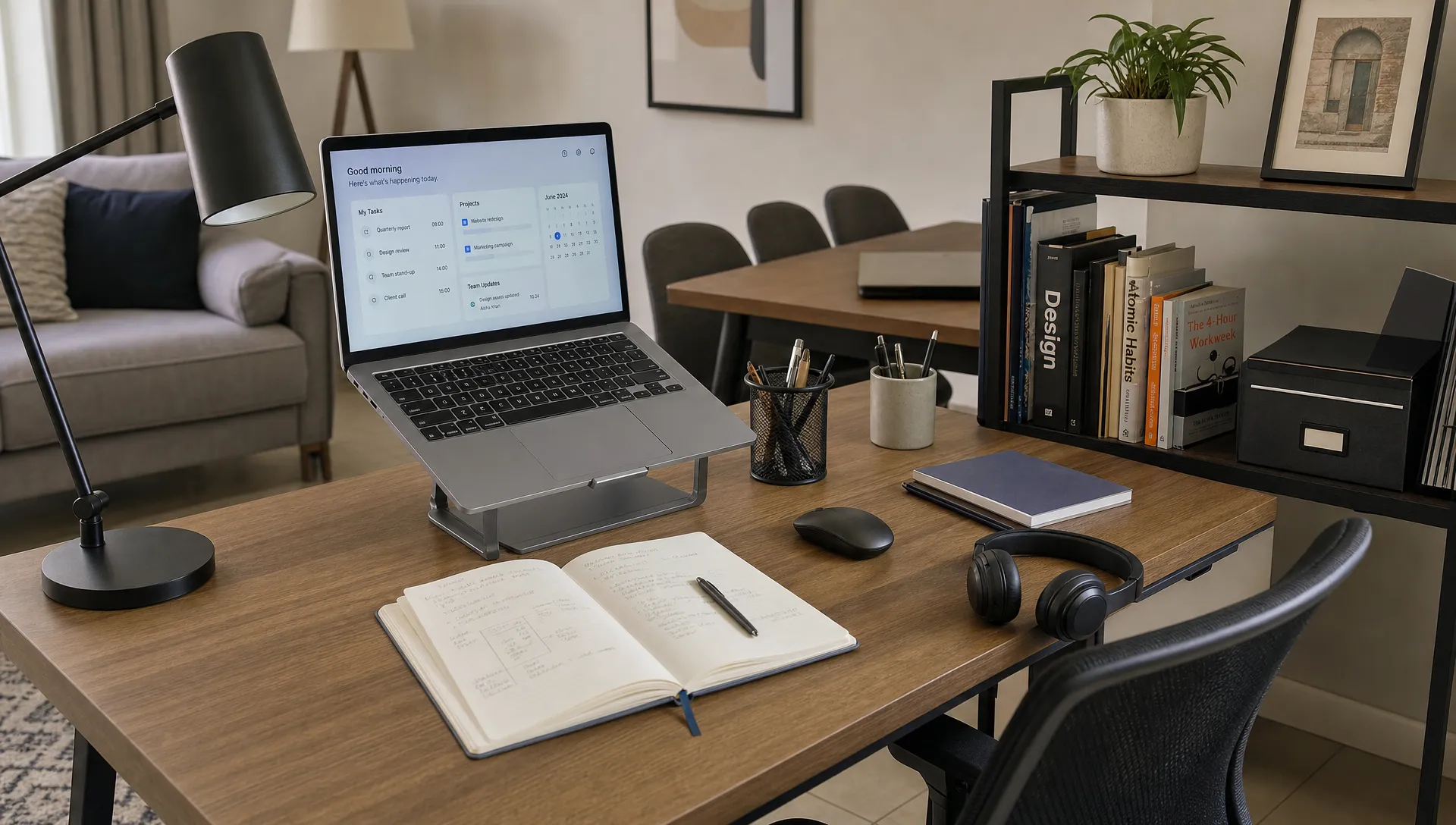 What makes a home office setup productive?
A good home office supports three things: your body, your attention, and your workflow. If one of those fails, your desk becomes a place you avoid rather than a place where you get things done.
Your body needs the basics first. The screen should be at a comfortable height, your feet should rest properly, your wrists should not be bent awkwardly, and your chair should support long periods of sitting. Mayo Clinic's office ergonomics guidance recommends arranging the chair, monitor, keyboard, and desk so your posture stays neutral rather than strained.
Your attention needs a clean visual field. That does not mean your desk has to look empty, but every item should have a purpose. If chargers, receipts, notebooks, and coffee cups are constantly competing for space, your brain keeps switching context before the work even begins.
Your workflow needs easy access. The notebook you use daily should not be hidden in a drawer. The printer paper, invoices, pens, sticky notes, and charging cables should have a consistent home. A productive desk setup is not only neat on day one, but it is also easy to reset at the end of each workday.
The best home office accessories to buy first
Before adding decorative extras, start with accessories that solve the biggest productivity problems. Most people benefit from improving the desk surface, screen height, seating comfort, lighting and storage before spending on premium tech.
| Accessory | Why it improves productivity | Buying tip |
|---|---|---|
| Desk or work surface | Gives your laptop, monitor, notebook and accessories enough room | Measure your available space before ordering |
| Ergonomic chair support | Reduces back and shoulder strain during long sessions | Look for proper lumbar support and seat height adjustment |
| Laptop stand or monitor riser | Brings the screen closer to eye level | Pair it with an external keyboard and mouse |
| Task lamp | Reduces eye strain and improves focus in low light | Choose adjustable brightness if possible |
| Storage shelf or drawer unit | Keeps documents and supplies off the main desk | Prioritize vertical storage in compact rooms |
| Cable organizers | Prevents tangles and visual clutter | Use clips, sleeves or a cable box near power points |
| Document holder | Keeps papers visible without covering your keyboard | Useful for invoices, study notes and client materials |
A stable desk is the foundation. If your current setup is a dining table or a low coffee table, upgrading the main work surface can change the entire experience. Sandhai shoppers comparing furniture options can start with a dedicated wooden office desk if they want a more permanent work zone at home.
Once the desk is sorted, think vertically. Many UAE homes and apartments need smart use of corners and walls because floor space is limited. A wooden corner shelf can help keep books, stationery, files, and small decor close to your desk without taking over the work surface.
Ergonomic accessories that protect your body
Productivity drops quickly when your neck, wrists or lower back are uncomfortable. Ergonomic accessories do not need to be complicated, but they should help you maintain a relaxed position.
Start with screen height. If you work on a laptop for hours, a laptop stand or riser helps prevent the common habit of looking down all day. The top of your screen should generally sit around eye level, with your shoulders relaxed. A separate keyboard and mouse are important because raising the laptop also raises the built-in keyboard.
A supportive chair matters, but you can improve many chairs with simple accessories. A lumbar cushion, seat cushion or footrest can make a basic chair more comfortable. If your feet do not reach the floor properly, a footrest helps stabilize your posture.
Lighting is part of ergonomics too. A desk lamp should brighten your work area without shining directly into your eyes or creating glare on the screen. In bright UAE homes, glare can come from windows as much as lamps, so place your screen perpendicular to strong daylight when possible.
The American Optometric Association recommends the 20-20-20 habit for computer users: every 20 minutes, look at something 20 feet away for 20 seconds. You can read more about computer-related eye strain on the AOA computer vision syndrome resource. A simple timer, phone reminder or desktop clock can help turn that advice into a routine.
Organization accessories for a clutter-free desk
Desk clutter usually comes from items that do not have a clear place to go. The answer is not always a bigger desk. Often, it is better storage.
A paper tray is useful if you handle printed documents, school forms, receipts or delivery notes. A pen cup keeps writing tools visible. A small drawer organizer prevents cables, USB drives and sticky notes from becoming a mixed pile. If you regularly refer to brochures, forms or client documents, an A4 brochure holder stand can keep papers upright and easy to scan.
Cable management is another small upgrade with a big visual impact. Even a good desk looks stressful when the floor below it is full of tangled wires. Use cable clips along the back edge of the desk, tie extra cable length and keep chargers grouped near the power source. If you use a laptop, headphones, desk lamp and phone charger daily, this one change can make the space feel calmer.
Do not overlook the reset habit. At the end of the day, your desk should take two minutes to return to order. If resetting takes longer, you probably need fewer items on the desk or better storage nearby.
Tech accessories that are worth the money
Not every home office needs a full tech upgrade. A person answering emails and attending video meetings has different needs from a designer, accountant, gamer or online seller. Buy based on your work habits, not trends.
A reliable keyboard and mouse are worth prioritizing if you type for long periods. Many people tolerate laptop keyboards for months, then wonder why their wrists and shoulders feel tense. A full-size keyboard, compact keyboard or ergonomic mouse can make daily tasks feel smoother.
Noise control is another big factor, especially if you share your home with family, children or flatmates. A good headset helps you hear calls clearly and reduces the need to raise your voice. If you attend frequent video meetings, consider a simple webcam light or position your desk near soft natural light.
Power access should be planned, not improvised. A surge-protected power strip, charging dock or multi-port charger keeps devices ready without forcing you to crawl under the table. Choose quality electrical accessories and avoid overloading sockets.
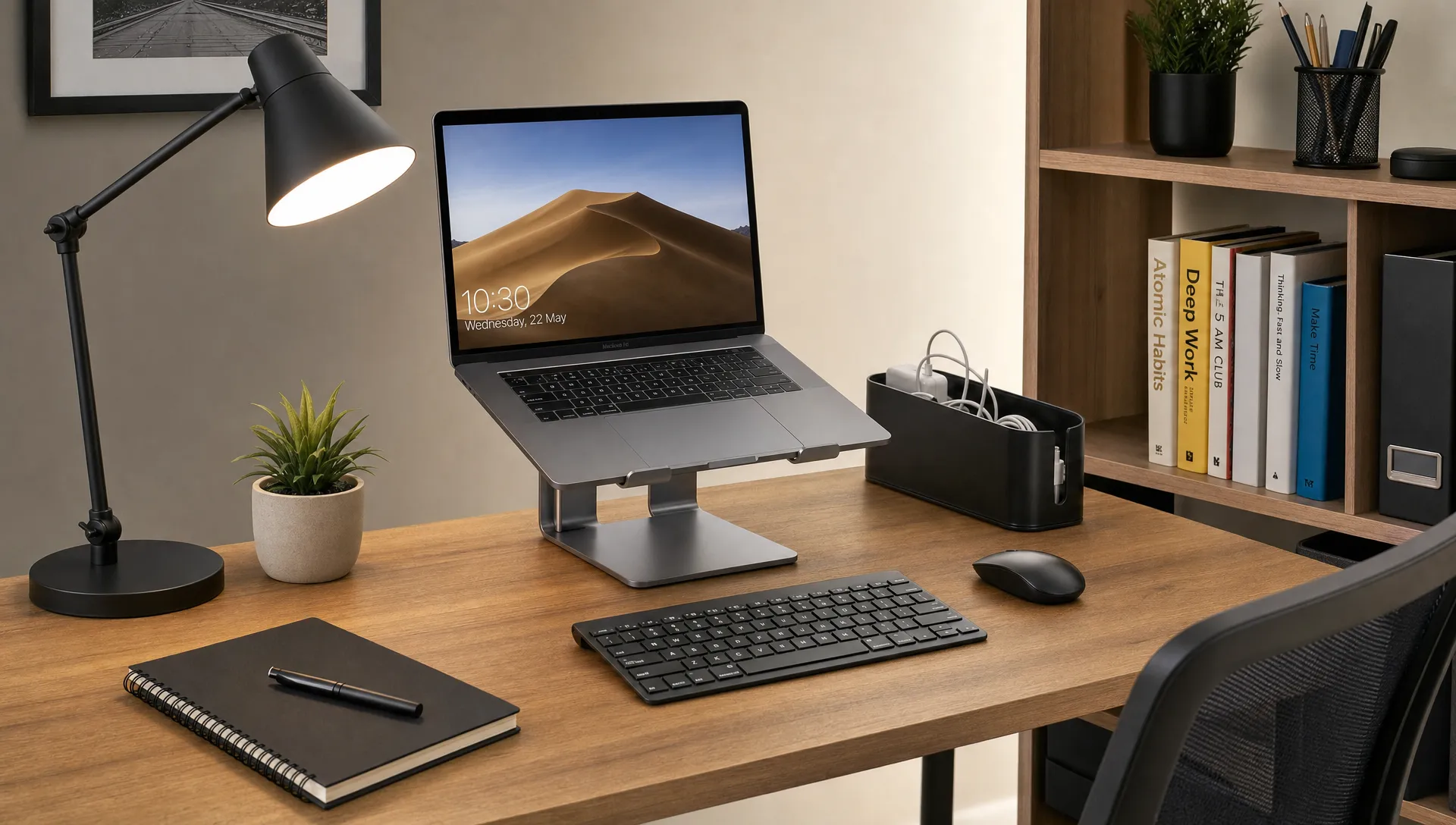
Comfort accessories that help you work consistently
Comfort accessories are not about luxury. They are about making your desk a place you can return to every day without resistance.
A desk mat creates a smoother writing and mouse surface. A water bottle reduces unnecessary trips when you are deep in work. A small clock keeps time visible without opening your phone. A plant or simple decorative item can make the space warmer, as long as it does not crowd your work area.
Break accessories matter too. If you tend to skip meals, eat at your keyboard or lose energy in the afternoon, prepare your break like part of the workday. A compact container, such as a lunch box for planned work breaks, can help separate food time from screen time, especially for busy parents, students, and remote workers.
The key is to support consistency. The best desk setup is not the most expensive one; it is the one you can use comfortably from Sunday morning to Thursday afternoon and reset without effort.
How to choose home office accessories when shopping online in the UAE
Online shopping makes it easy to compare options, but it also makes impulse buying easier. Before you place an order, check the practical details.
Measure your desk area, wall space, and chair height. Confirm product dimensions rather than relying only on photos. Think about delivery access if you are ordering furniture for an apartment. Read product descriptions carefully, check return details, and compare materials when possible.
When shopping through Sandhai.ae, you can explore different everyday categories in one place, from furniture and home essentials to stationery, personal care, groceries and lifestyle products. That is useful when you are setting up a work zone and also stocking up on the daily items that keep home routines running.
Here is a simple way to prioritize your budget:
| Budget level | Focus on first | Add later |
|---|---|---|
| Essential setup | Desk, chair support, lamp, cable clips | Desk mat and paper tray |
| Balanced setup | Laptop stand, keyboard, mouse, storage shelf | Headset and document holder |
| Full productivity setup | Ergonomic seating, monitor, lighting, storage, power management | Decor, plants and premium accessories |
If you are unsure where to begin, fix the most annoying problem first. If your back hurts, start with seating and screen height. If you waste time searching for things, start with storage. If you feel tired in the evening, look at lighting and eye strain.
Sample desk setups for different work styles
Different people need different accessories. A student does not need the same setup as a business owner managing paperwork, and a designer may need more screen space than someone mainly handling calls.
| Work style | Best accessories to prioritize | Why it works |
|---|---|---|
| Remote employee | Laptop stand, external keyboard, headset, task lamp | Supports long calls and daily computer work |
| Student | Desk lamp, notebook holder, pen organizer, shelf | Keeps study materials visible and organized |
| Small business owner | Document holder, paper tray, storage shelf, label organizer | Helps manage invoices, forms and customer paperwork |
| Creative professional | Monitor riser, large desk mat, storage shelf, adjustable lighting | Creates space for both digital and hands-on work |
| Family shared desk | Cable box, drawer organizer, compact storage, easy-clean mat | Makes it easier for multiple people to reset the space |
For many homes, the best answer is a flexible setup. Keep the core accessories neutral and durable, then add personal items based on who uses the desk most.
Common mistakes to avoid
The biggest mistake is buying accessories before understanding the problem. A beautiful desk organizer will not help if your desk is too small. A premium mouse will not fix poor screen height. A stylish chair is not useful if it cannot support your posture.
Another mistake is overcrowding the desk. Productivity accessories should create space, not consume it. If you add a lamp, plant, speaker, pen cup, candle, paper tray and three notebooks to a small desk, the setup may look nice in photos but feel frustrating during real work.
Finally, avoid treating your home office as temporary if you use it every week. Even a compact setup deserves proper lighting, cable safety and ergonomic support. Your body feels the difference after months of work.
Frequently Asked Questions
What are the best home office accessories for beginners? Start with a stable desk, comfortable chair support, laptop stand or monitor riser, external keyboard, mouse, desk lamp, and basic cable organizers. These solve the most common comfort and clutter problems.
How can I make a small home office more productive? Use vertical storage, keep only daily essentials on the desk, and choose accessories that serve more than one purpose. A corner shelf, cable clips, and compact organizers can make a small workspace feel much more usable.
Do I need expensive ergonomic accessories? Not always. A laptop stand, separate keyboard, footrest, and better lighting can improve comfort without a full renovation. Spend more only when the item solves a daily problem you clearly feel.
How do I reduce eye strain at my desk? Improve lighting, reduce screen glare, position your screen at a comfortable height, and take regular visual breaks. The 20-20-20 habit is a simple routine many computer users find helpful.
What should I check before buying home office furniture online? Check measurements, materials, delivery information, return policies, and how the item fits your room. For furniture, measure doorways and the exact desk area before ordering.
Build a desk setup that works for your day
A productive home office does not need to look like a corporate workspace. It needs to support the way you actually work, study, plan, and take breaks at home.
Start with the essentials: a stable work surface, ergonomic screen height, good lighting, and simple storage. Then add accessories that make your routine smoother, such as cable organizers, a document holder, a headset, or a lunch box for proper breaks.
If you are upgrading your workspace in Dubai, Sharjah, Abu Dhabi, or elsewhere in the UAE, explore Sandhai for home office furniture, stationery, home essentials, and everyday products that help you create a desk setup you will actually enjoy using.

Comments