

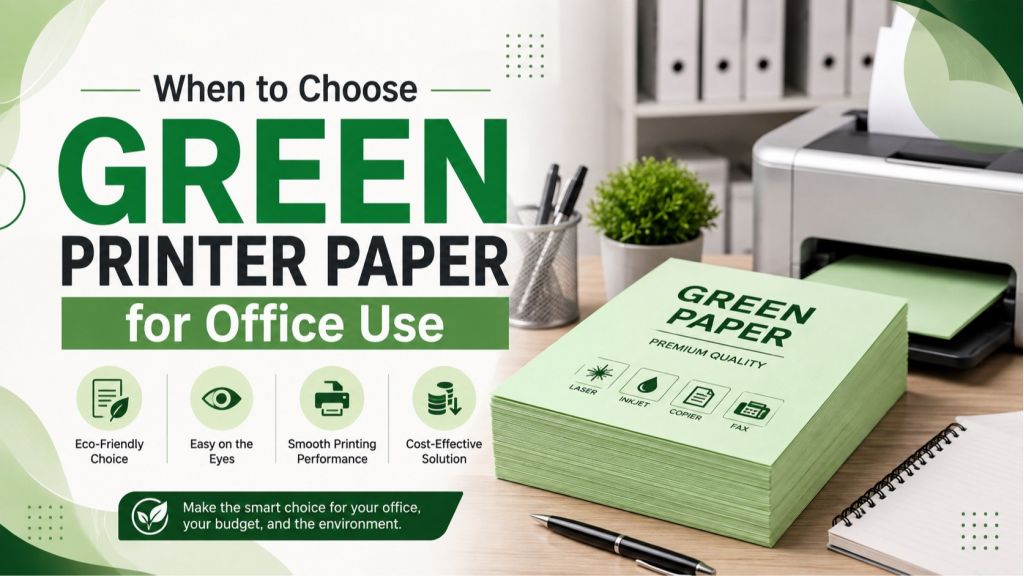
Green printer paper can be surprisingly practical in an office. It is not just a colourful stationery choice, it can help teams identify documents faster, separate workflows, highlight internal notices, and create cleaner document packs for training or events.
The key is knowing when it adds clarity and when it creates confusion. For everyday invoices, legal paperwork, detailed reports, or documents that must scan perfectly, plain white paper is usually safer. For internal communication, colour coding, and short-run office organisation, green printer paper can be a smart choice.
For UAE offices that regularly restock stationery, groceries, home essentials, and workplace items together, Sandhai.ae makes it easier to shop across categories in one place while checking current offers and delivery options.
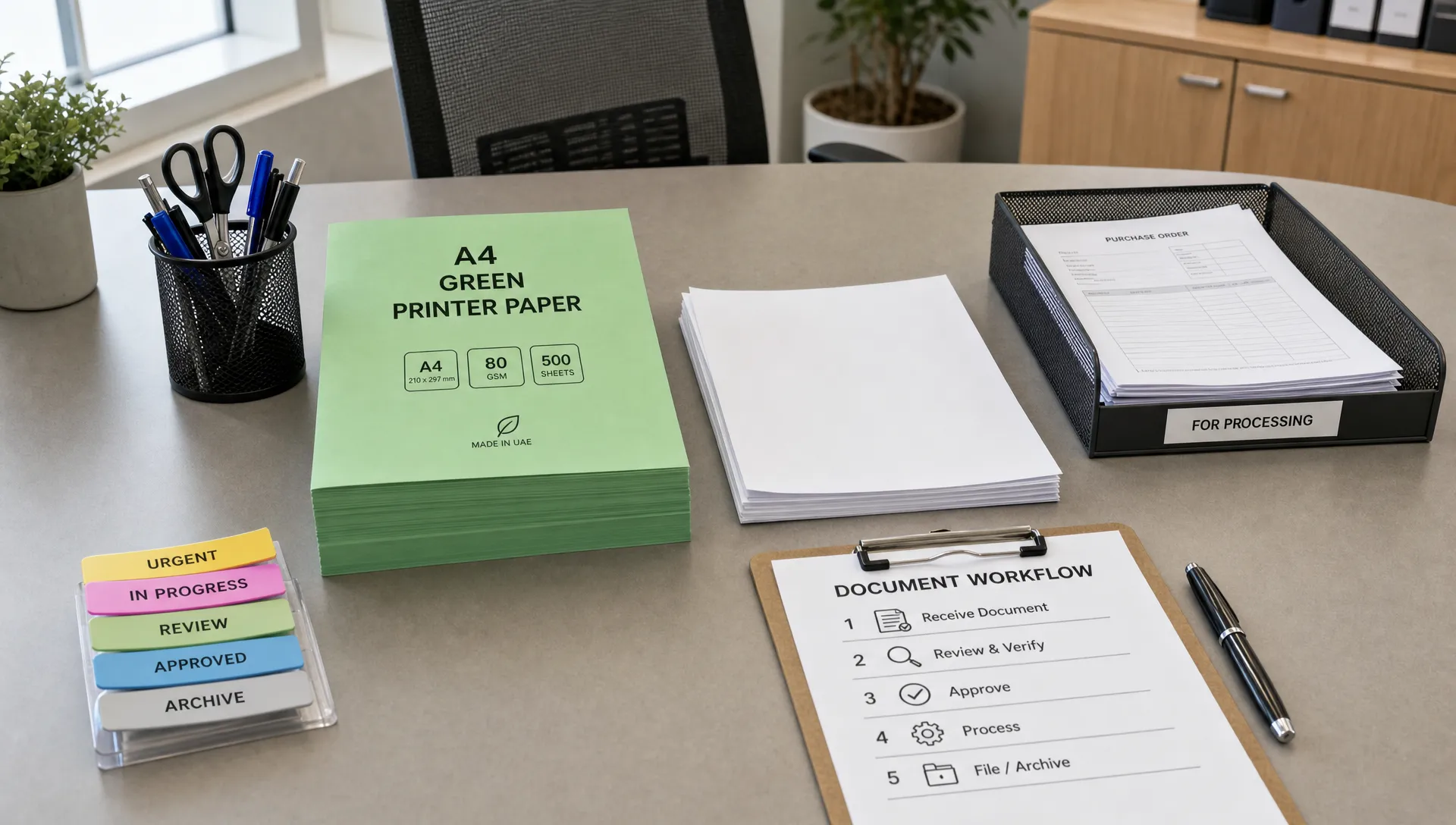
What is green printer paper?
Green printer paper usually means standard printer-compatible sheets that are dyed green. It may come in light pastel green, medium green, neon green, or darker shades. Most offices use it in A4 size because A4 is the common format for business printing, forms, office notices, school handouts, HR documents, and filing systems.
It is important to separate two meanings of "green.” In office stationery, green printer paper may refer to the colour of the sheet. In sustainability conversations, "green paper” may mean recycled, responsibly sourced, or lower-impact paper. Sometimes a product is both coloured green and environmentally certified, but not always.
If sustainability matters to your procurement policy, check for responsible sourcing labels such as FSC certification or equivalent recycled-content claims. If the goal is colour coding, focus on shade, GSM, printer compatibility, and how readable the printed text will be.
Choose green printer paper for colour-coded office workflows
The best reason to use green printer paper is simple: colour helps people recognise a document before they read it. In a busy office, reception desk, clinic, school, warehouse, retail team, or finance department, that can save time and reduce handling mistakes.
Green is especially useful because it stands out without feeling as urgent as red or as cautionary as yellow. It can signal "approved,” "ready,” "eco-related,” "internal,” "completed,” or "low priority,” depending on your office system.
| Office use case | Why green paper works | Best shade to choose |
|---|---|---|
| Internal forms | Easy to separate from customer-facing paperwork | Light or pastel green |
| HR checklists | Helps staff spot onboarding or leave forms quickly | Light green |
| Inventory sheets | Good for approved stock counts or completed checks | Medium green |
| Training handouts | Makes one section of a pack easy to find | Pastel green |
| Event documents | Fits themes such as sustainability, wellness, or spring promotions | Pastel or medium green |
| Reception notes | Stands out on a desk without looking too urgent | Light green |
A good colour-coding system should be consistent. If green means "approved” this month but "pending” next month, the paper creates more confusion than convenience. Before ordering a full ream, decide what green will mean in your office and communicate it to the team.
Use it for internal notices that need attention
Green printer paper is a strong choice for short internal notices, especially when you want a document to be noticed on a pinboard, pantry wall, meeting room door, or staff notice area.
It works well for messages such as office recycling reminders, holiday schedules, meeting room instructions, desk-cleaning notices, pantry guidelines, and team announcements. Since green is generally associated with nature, freshness, permission, and safety, it suits notices that should feel helpful rather than alarming.
For best results, keep the notice short. Use a clear heading, large font, and plenty of spacing. Black text on light green paper is usually easier to read than grey text on dark green paper. If you are printing for a mixed workforce, avoid decorative fonts and make sure the message is understandable at a glance.
Accessibility also matters. The W3C guidance on use of colour explains that colour should not be the only way information is communicated. The same principle is useful in printed office documents. If a green form means "approved,” also print the word "Approved” clearly on the page.
Choose green paper for forms, checklists, and document routing
Some office documents move through multiple hands. A purchase request may start with one employee, go to a manager, reach finance, then return to admin. A maintenance checklist may move from a facilities team to a supervisor. A school or training centre may collect signed forms from dozens of people in one morning.
Green printer paper helps with these moving documents because it is visible in trays, folders, and stacks. It can reduce the chance that a form gets mixed with white invoices, receipts, or printed emails.
Common office routing uses include:
- Approved purchase requests
- Completed maintenance checklists
- Internal-only HR forms
- Visitor registration sheets
- Stock count summaries
- Training attendance sheets
- Reception handover notes
If your office handles both original documents and photocopies, green paper can also identify the "working copy” or "internal copy.” Just make sure the paper colour does not interfere with scanning, archiving, or photocopying requirements.
Use green paper for training packs, presentations, and events
Green printer paper is helpful when printed packs have sections. For example, a training folder might include a white agenda, green exercises, blue reference notes, and yellow feedback forms. Participants can quickly turn to the right section without searching every page.
It is also useful for events related to sustainability, health, food, wellness, education, gardening, or community activities. In these contexts, green paper supports the theme without requiring full-colour ink coverage on every page.
For neat document packs, pair coloured sheets with matching stationery and simple packaging. If you are preparing handouts, welcome kits, or office event materials, items such as A4-size blue paper bags can help keep printed materials organised and presentable.
When green printer paper is not the right choice
Green printer paper is useful, but it should not replace white paper for every task. In some cases, coloured paper can reduce readability, create scanning issues, or look less formal than plain white sheets.
Avoid green paper for documents that need a clean, standard, or official appearance. This includes contracts, bank paperwork, invoices, government submissions, formal proposals, certificates, and documents where colour accuracy matters.
You should also be careful with dark green paper. Black ink may not show clearly, and coloured graphics can appear dull or distorted. If the document includes small text, QR codes, barcodes, charts, signatures, stamps, or handwritten notes, test one page before printing in bulk.
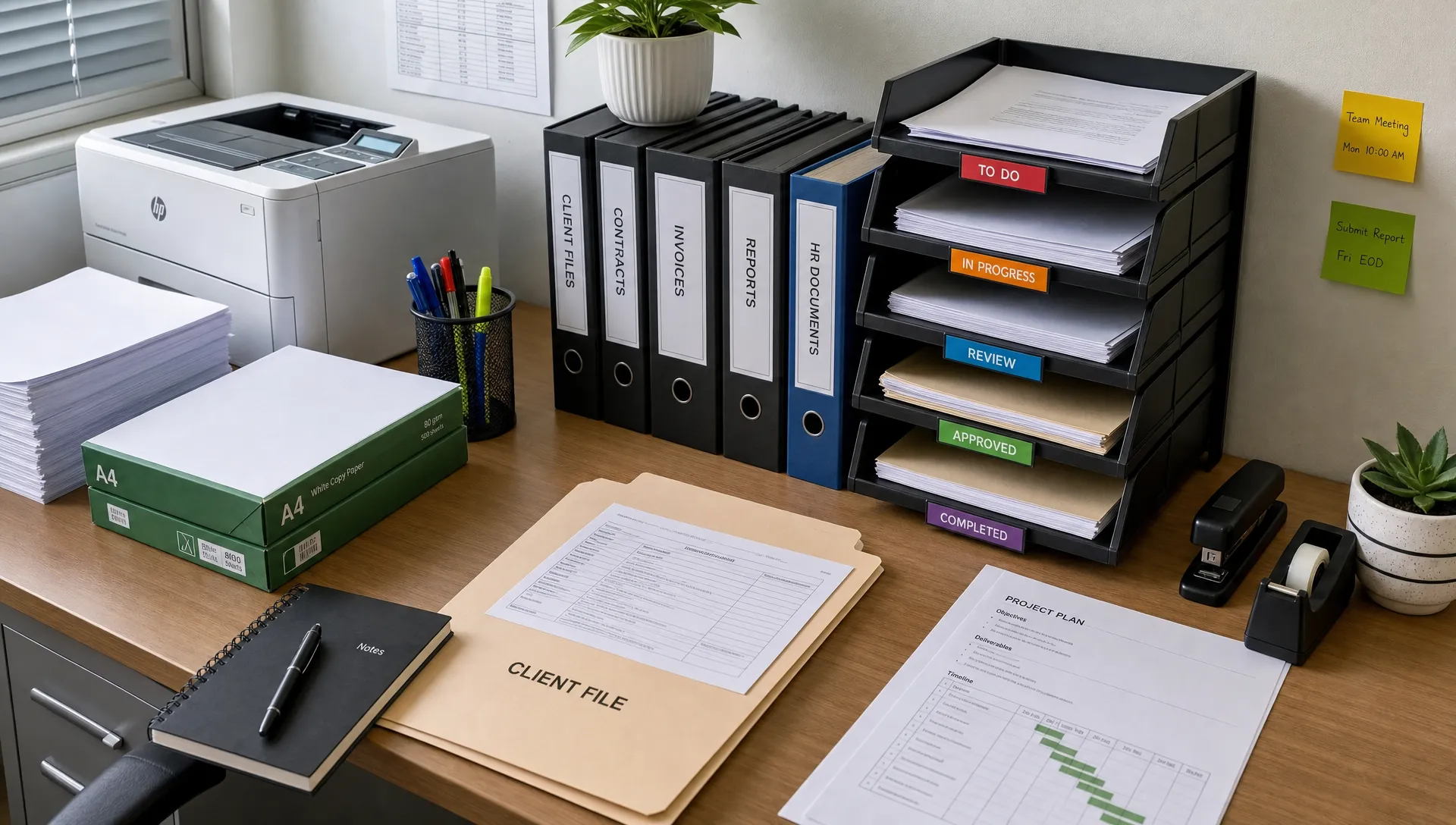
Scanning is another consideration. Some scanners and photocopiers can handle light coloured paper well, while others may produce a grey background or reduce contrast. If your office relies on OCR, digital archiving, or document uploads, light green is safer than dark or neon green.
How to choose the right green printer paper
When shopping for green printer paper, do not choose based on colour alone. The best option depends on your printer, the document purpose, and how the paper will be handled after printing.
| Buying factor | What to check | Practical recommendation |
|---|---|---|
| Shade | Light, pastel, medium, neon, or dark green | Choose light green for text-heavy documents |
| GSM | Thickness and stiffness of paper | 80 GSM is common for everyday printing, 100 GSM feels more premium |
| Printer type | Laser or inkjet compatibility | Check the product description before ordering |
| Finish | Matte, smooth, or textured | Smooth matte paper is usually best for office printing |
| Duplex printing | Whether the paper works well on both sides | Test if printing double-sided forms |
| Readability | Contrast between paper and ink | Use black ink on light green paper |
| Sustainability | Certifications or recycled content | Look for credible labels if eco-impact matters |
| Storage | Protection from humidity and bending | Store flat in a cool, dry cabinet |
In the UAE, storage is worth thinking about. Offices often move between air-conditioned rooms, delivery areas, and storage spaces. Keep paper sealed until needed, and avoid placing reams near windows, pantry moisture, or direct air-conditioning vents. Warped paper can lead to printer jams and uneven feeding.
If you print in high volumes, ask one practical question before buying: will the colour still be useful after 500 pages? If the answer is yes, green paper may improve workflow. If the colour is only decorative, a smaller pack may be enough.
Light green vs dark green paper
For most office use, light green printer paper is the safer option. It is easier to read, easier to scan, and more professional than neon or dark shades. It also works better with black ink and standard office fonts.
Dark green paper is better for craft use, labels, dividers, decorative inserts, or short headings printed with white or metallic ink, although many regular office printers do not print white ink. For normal laser and inkjet printers, dark paper often limits what you can print clearly.
Neon green has a different role. It attracts attention immediately, which can be useful for temporary notices or urgent internal reminders. However, it can feel too loud for formal workplaces and may cause eye strain if used for long text.
Buying green printer paper online in the UAE
Online shopping is convenient for office stationery because it lets you compare paper specifications before ordering. Instead of choosing the first coloured paper you see, check the size, sheet count, GSM, shade, printer compatibility, and delivery details.
If you are restocking multiple workplace items at once, it can help to browse the wider stationery range, compare current printer paper options, and group your order with other office supplies. For teams that want a specific shade, it is also worth checking whether green printer paper is currently listed before finalising the order.
Before checkout, confirm these details:
- The paper size matches your printer tray, usually A4 for UAE offices
- The paper is suitable for your printer type
- The colour is light enough for readable black text
- The quantity matches your actual monthly usage
- The delivery address and timing fit your office schedule
A small test order is useful if your office has strict print quality needs. Once you know the shade and thickness work well, you can reorder with more confidence.
A simple rule for office teams
Choose green printer paper when the colour has a job to do. That job might be sorting, signalling, guiding, branding, or making a document easier to find. Avoid it when the document must look formal, scan perfectly, or present colours with accuracy.
In other words, green paper is best for internal clarity, not universal printing. Used thoughtfully, it can make office processes smoother without changing your software, printer, or filing system.
Frequently Asked Questions
Is green printer paper suitable for all printers? Not always. Many coloured printer papers work with standard inkjet or laser printers, but you should check the product description. Paper that is too thick, textured, or unsuitable for heat-based laser printing can cause poor results or jams.
What GSM is best for green printer paper in an office? For everyday forms, notices, and internal documents, 80 GSM is common and practical. For presentation inserts, training packs, or documents that need a slightly more premium feel, 100 GSM can be a better choice.
Can green printer paper be used for official documents? It is usually better to use white paper for official documents, contracts, invoices, certificates, and government submissions. Green paper is best for internal office use, colour coding, temporary notices, and informal handouts.
Which ink colour works best on green paper? Black ink on light green paper is the most reliable combination. Avoid grey text, pale colours, or small fonts on green sheets because the contrast may be too low.
Does green printer paper scan well? Light green paper may scan acceptably, but results depend on the scanner and settings. Dark or neon green sheets can reduce contrast and affect OCR accuracy, so test before using them for documents that must be archived digitally.
Is green printer paper eco-friendly? Not automatically. The word "green” may only describe the colour. If you want a more sustainable option, look for recycled content, responsible sourcing certifications, or clear environmental claims from the seller.
Make green paper part of a smarter office supply plan
Green printer paper is most valuable when it improves the way your office works. Use it for colour-coded forms, internal notices, training sections, and easy-to-spot handouts, then keep white paper for formal and scan-heavy documents.
When you are ready to restock, compare specifications carefully, choose a readable shade, and order only what your team will actually use. A little planning can turn a simple stationery purchase into a cleaner, faster office workflow.

Comments