

For everyday printing, paper can feel like a small purchase until it starts causing jams, smudges, faded text or waste. The right multipurpose copy paper should run smoothly through your printer, make documents easy to read, and offer good value whether you are printing school worksheets, invoices, recipes, labels, forms or office drafts.
If you shop online in the UAE, the choice can be even wider. A single listing may mention A4, GSM, brightness, whiteness, copier paper, laser paper, inkjet paper, recycled paper and premium paper. This guide breaks down what each detail means so you can buy confidently, avoid overpaying, and choose paper that fits your daily printing routine.
For UAE shoppers who prefer ordering home, school and office essentials together, Sandhai.ae online shopping marketplace is a convenient place to browse daily-use products, compare options and restock without a separate store visit.
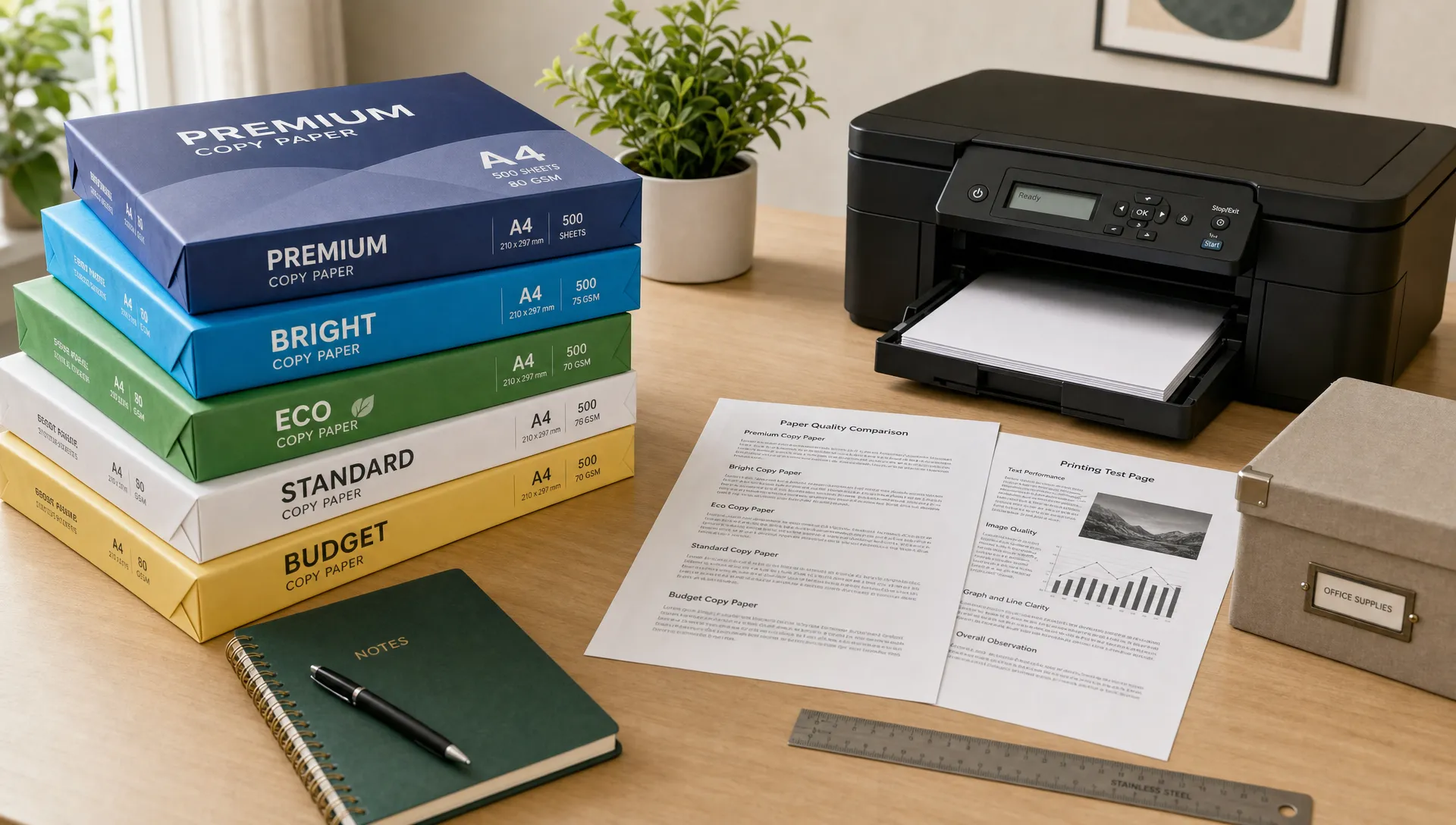 What Is Multipurpose Copy Paper?
Multipurpose copy paper is standard uncoated printing paper designed to work across common office and home machines, including printers, photocopiers and sometimes fax machines. It is made for routine use rather than specialist output like glossy photos, certificates, heavy invitations or high-end brochures.
The key word is "multipurpose.” Good copy paper should handle text documents, basic graphics, forms, spreadsheets and everyday double-sided printing without curling, tearing or absorbing too much ink. It is usually sold in reams, commonly 500 sheets per pack, and in cartons for bulk users.
Most daily printing in the UAE uses A4 paper. A4 measures 210 x 297 mm under the ISO 216 paper size standard, which is the standard size for schoolwork, business documents, government forms and most office printing.
The Quick Daily Printing Checklist
Before comparing brands or prices, look at the specifications that actually affect your printing experience. You do not always need premium paper, but you do need paper that matches your printer and purpose.
| Paper feature | Good everyday choice | When to upgrade |
|---|---|---|
| Size | A4 for most UAE home, school and office printing | A3 or specialty sizes for posters, plans or design work |
| Weight | 75 to 80 GSM for regular documents | 90 to 100 GSM for double-sided printing, presentations or heavier ink coverage |
| Finish | Smooth, uncoated matte finish | Premium smooth finish for sharper reports or client-facing documents |
| Opacity | Medium to high opacity | Higher opacity if printing on both sides often |
| Compatibility | Marked for inkjet, laser, copier or multipurpose use | Machine-specific paper for high-speed office printers or photo printing |
| Packaging | Sealed ream packaging | Carton purchase if you print daily or manage office supplies |
If you are ready to compare options while reading, you can search for multipurpose copy paper on Sandhai and use the points below as your buying checklist.
Understanding GSM: Why Paper Weight Matters
GSM means grams per square metre. It tells you how heavy and thick the paper feels. For daily printing, 80 GSM is often the best all-round choice because it is light enough for regular use but sturdy enough for everyday text documents.
Lower-weight paper, such as 70 or 75 GSM, may be suitable for high-volume drafts, internal notes and temporary documents. It can save money if you print a lot, but it may feel thinner and show more text through the page when printing double-sided.
Heavier paper, such as 90 or 100 GSM, feels more premium. It is better for resumes, proposals, school projects, certificates of participation, forms that need to be handled often, and documents with charts or graphics. The trade-off is cost, and some compact printers may have lower capacity for thicker paper, so always check your printer manual.
A practical approach is simple: use 80 GSM for everyday printing, keep a small pack of heavier paper for important documents, and avoid using premium paper for drafts that will be discarded quickly.
Printer Compatibility: Inkjet, Laser and Copier Use
A common mistake is assuming all A4 paper works equally well in every machine. Most multipurpose copy paper is designed for broad compatibility, but your printer type still matters.
Laser printers use heat to fuse toner to the page. They work best with paper that can withstand heat without curling excessively. Inkjet printers spray liquid ink, so they need paper that controls absorption well enough to reduce feathering, smudging and dull-looking text.
If you print from a home inkjet, look for multipurpose paper that mentions inkjet compatibility or good ink performance. If you use a laser printer at work, choose paper that is suitable for laser printing and copying. If you manage a small office where several machines share one paper supply, multipurpose paper is usually the safest choice.
For shoppers comparing different listings, it helps to browse broader printer paper options and check the product details for machine compatibility, GSM and pack size before adding to cart.
Brightness, Whiteness and Readability
Brightness and whiteness affect how crisp text looks on the page. Higher brightness generally makes black text appear sharper and colours look more vivid. This matters for invoices, presentations, school projects and documents that must be scanned or photocopied.
However, the brightest paper is not always necessary. For internal notes, drafts and everyday checklists, standard white paper is usually enough. For documents you hand to clients, submit officially or keep in files, choosing a brighter, cleaner-looking sheet can improve presentation.
There is also a comfort factor. Very bright white paper can feel harsh under strong office lighting, while warmer white paper may be easier to read for long documents. If you print study notes, manuals or long reports, readability can matter as much as sharpness.
Opacity: The Secret to Better Double-Sided Printing
Opacity tells you how much light passes through the paper. Thin or low-opacity paper can cause show-through, where text from the back side is visible on the front. This is especially noticeable with bold text, dark charts, stamps or ink-heavy pages.
If you print double-sided often, choose paper with good opacity or move up from 75 GSM to 80 or 90 GSM. This makes documents easier to read and reduces the need to print single-sided, which can waste paper.
Double-sided printing is one of the easiest ways to reduce daily paper consumption, but it only works well when the sheet is thick and opaque enough for the job.
Choosing Copy Paper for UAE Homes, Schools and Offices
Daily printing needs are not the same for every household or workplace. A family printing homework and recipes has different priorities from a small business printing invoices or a tuition centre printing worksheets.
For home printing, focus on a dependable A4 80 GSM pack that works with your printer and stores easily. If you print only occasionally, avoid buying large cartons unless you have dry storage space.
For school and study use, choose paper that is economical but not too thin. Worksheets, notes and assignments need to survive backpacks, folders and repeated handling. If students print projects with images or charts, a slightly heavier sheet can make the work look cleaner.
For offices, consistency matters. Paper jams cost time, especially when printing invoices, contracts, delivery notes or reports. A reliable multipurpose copy paper with stable thickness and good packaging is usually worth more than the cheapest available option. Businesses can also keep related stationery essentials on hand, such as folders, pens and packing supplies, so daily admin tasks do not get interrupted.
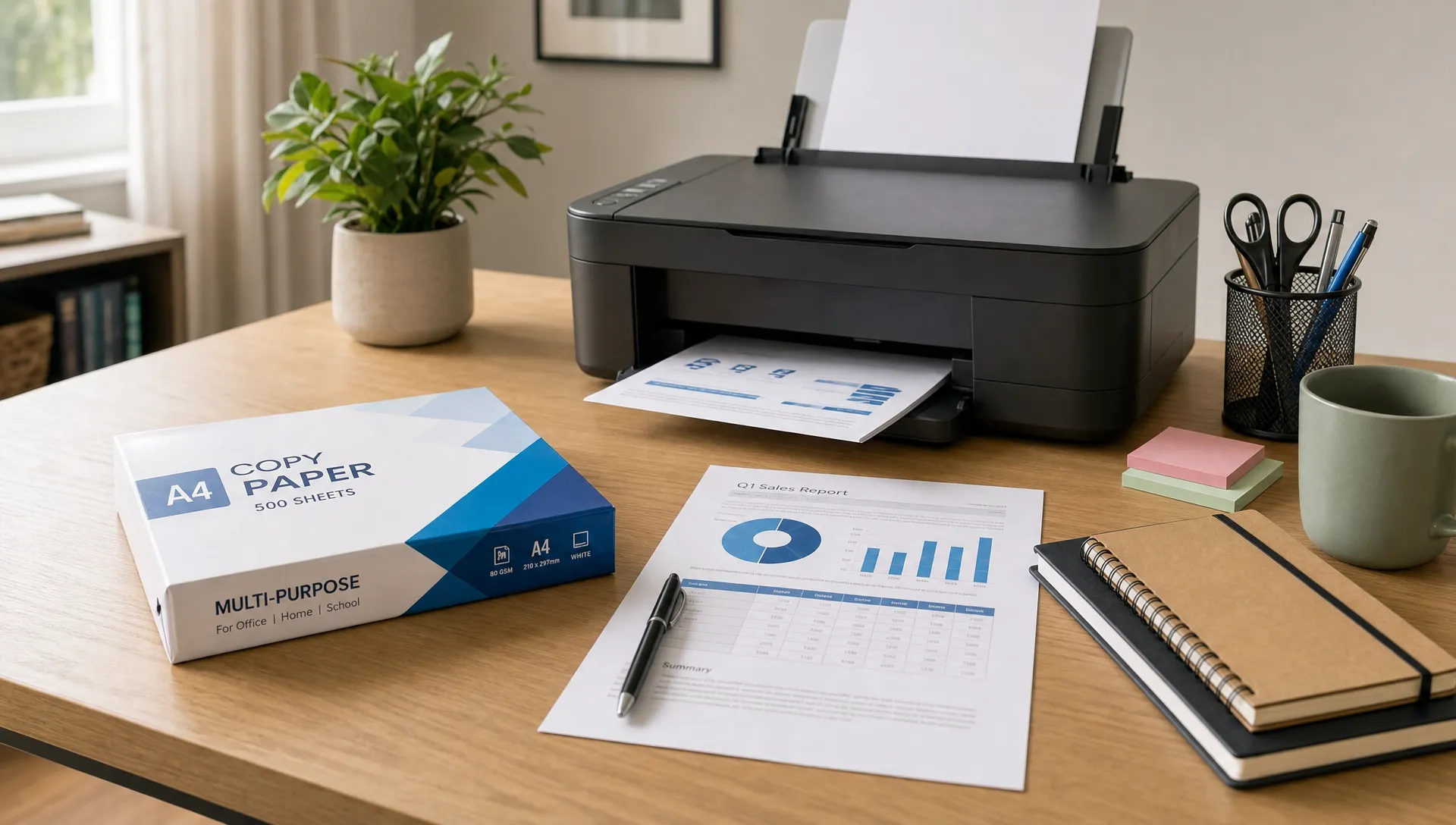
Storage Matters More in the UAE Than Many Shoppers Realise
Paper reacts to moisture and temperature. In UAE homes and offices, air conditioning, humidity changes and storage near windows can affect paper performance. If paper absorbs moisture, it may curl, stick together or feed unevenly. If it becomes too dry, it may build static and cause multiple sheets to feed at once.
Keep copy paper sealed until you need it. Store opened reams in a cupboard, drawer or closed paper tray, away from direct sunlight, kitchen steam and damp areas. If your printer is near a window, avoid leaving a full open ream beside it for weeks.
For offices that print daily, use older stock first. This simple first-in, first-out habit prevents forgotten reams from sitting too long in poor conditions. If you prepare document packs, school kits or office bundles, items like A4 size blue paper bags can help keep papers grouped neatly for handouts, events or filing.
How Much Copy Paper Should You Buy?
The best pack size depends on your print volume. Buying too little means frequent reordering. Buying too much can lead to storage issues, especially in smaller apartments or shared offices.
For occasional home printing, one ream may last weeks or months. For a student household, two or three reams may be more practical during exam periods or project season. For small offices, cartons can reduce the cost per sheet and help avoid running out during busy weeks.
When comparing prices, calculate cost per sheet rather than looking only at the pack price. A carton may look expensive upfront but can be better value if every ream will be used within a reasonable time. On the other hand, a single premium ream may be smarter if you print rarely and want better quality for important documents.
A simple rule: buy only what you can store properly. Poor storage can turn a good paper deal into wasted money.
Common Buying Mistakes to Avoid
Many printing problems start with the wrong paper purchase, not the printer itself. Avoid these mistakes when shopping online:
- Choosing only the cheapest paper without checking GSM, size or compatibility.
- Buying heavy paper for every task when standard 80 GSM would be enough.
- Using regular copy paper for photo printing and expecting glossy results.
- Ignoring double-sided printing needs and ending up with show-through.
- Storing opened reams in humid or sunny areas.
- Mixing different paper types in the same printer tray without adjusting settings.
If your printer jams often, check whether the paper is damp, curled, too thick for the tray or loaded beyond the recommended paper capacity. Also fan the stack lightly before loading it, align the edges, and keep the tray guides snug without bending the paper.
Is Recycled Copy Paper a Good Choice?
Recycled paper can be a smart option for everyday printing, especially for drafts, internal documents and school notes. Quality has improved significantly, and many recycled papers now work well in modern printers.
If sustainability is a priority, look for recognised certifications or responsible sourcing claims. Labels such as those explained by the Forest Stewardship Council can help shoppers understand whether paper products are linked to responsible forest management.
That said, recycled paper varies. Some sheets may be less bright or slightly different in texture compared with virgin fibre paper. For client-facing documents, you may prefer brighter premium paper. For everyday internal use, recycled multipurpose copy paper can be a practical and responsible choice.
Best Paper Choices by Daily Use Case
Here is a quick way to match your paper choice to your most common printing task.
| Daily printing need | Suggested paper type | Why it works |
|---|---|---|
| Homework, notes and drafts | A4 75 to 80 GSM multipurpose paper | Economical and suitable for regular text printing |
| Invoices and office forms | A4 80 GSM multipurpose paper | Reliable balance of cost, clarity and handling |
| Double-sided reports | A4 80 to 90 GSM paper with good opacity | Reduces show-through and improves readability |
| Presentations and proposals | A4 90 to 100 GSM bright white paper | Feels more professional and supports sharper output |
| Ink-heavy charts or graphics | Inkjet-compatible 90 GSM paper or suitable premium paper | Helps reduce dullness and improves colour appearance |
| Photos or glossy visuals | Dedicated photo paper | Regular copy paper is not designed for photo-quality results |
Final Buying Tips for Better Daily Printing
The best multipurpose copy paper is not always the most expensive one. It is the paper that fits your printer, your document type and your storage space.
For most UAE households and small offices, A4 80 GSM multipurpose paper is the safest daily choice. Upgrade to 90 or 100 GSM when documents need to look more professional or when double-sided printing quality matters. If you print mostly drafts, a lighter economical paper may be enough, as long as it feeds reliably.
Before buying, check five details: size, GSM, printer compatibility, pack quantity and storage condition. These details prevent most paper-related problems and help you get better value from every ream.
Frequently Asked Questions
What is the best GSM for multipurpose copy paper? For most daily printing, 80 GSM is the best balance of price, quality and printer compatibility. Choose 90 to 100 GSM for presentations, double-sided documents or papers that need to feel more premium.
Can I use multipurpose copy paper in both inkjet and laser printers? Usually yes, if the packaging or listing says it is suitable for inkjet, laser or copier use. Always check your printer manual and the paper details, especially if using heavier paper.
Is A4 the right size for daily printing in the UAE? Yes, A4 is the standard size for most home, school, business and office documents in the UAE. It measures 210 x 297 mm.
Why does my printer jam when using copy paper? Common causes include damp paper, curled sheets, overfilled trays, wrong paper thickness, poor storage or tray guides that are too tight or too loose. Try using a fresh sealed ream and check your printer settings.
Is cheap copy paper worth buying? Cheap paper can be fine for drafts and internal notes, but it may not always offer the best value if it causes jams, show-through or poor print quality. Compare cost per sheet along with GSM, opacity and compatibility.
Shop Smarter for Daily Printing Essentials
Good paper makes everyday printing easier, cleaner and more reliable. Whether you are restocking for home, school or office use, compare specifications before you buy and choose the paper that matches your real printing habits.
You can browse Sandhai for copy paper, stationery and daily essentials, then add related items to the same order for convenient home delivery across the UAE. Start with office and school printing supplies and build a practical restock list that keeps your printer ready whenever you need it.

Comments